You can now import content from an existing course directly into another course within the Courses Builder—making it faster and easier to reuse proven content without starting from scratch.
What’s New
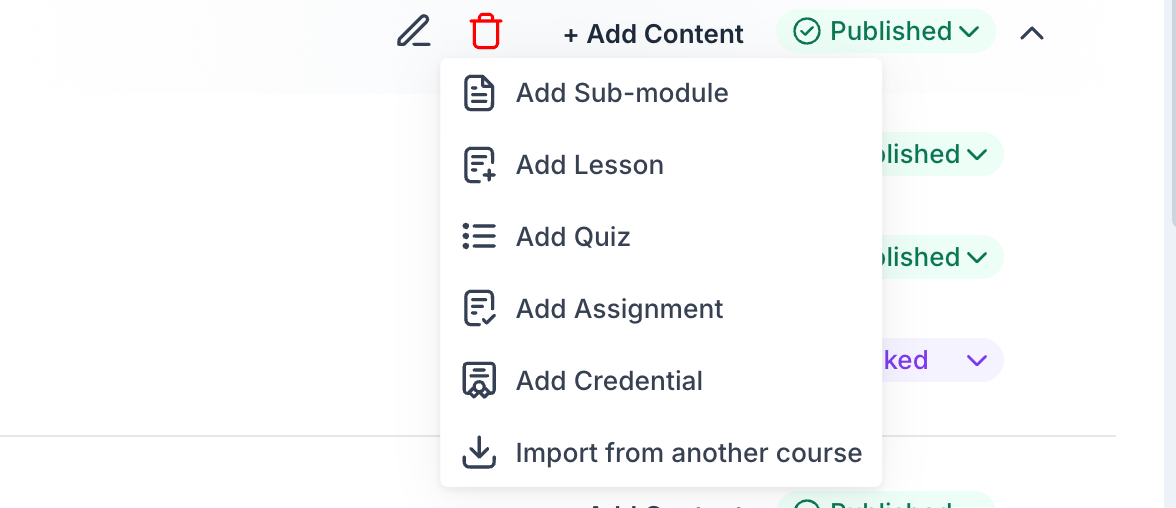
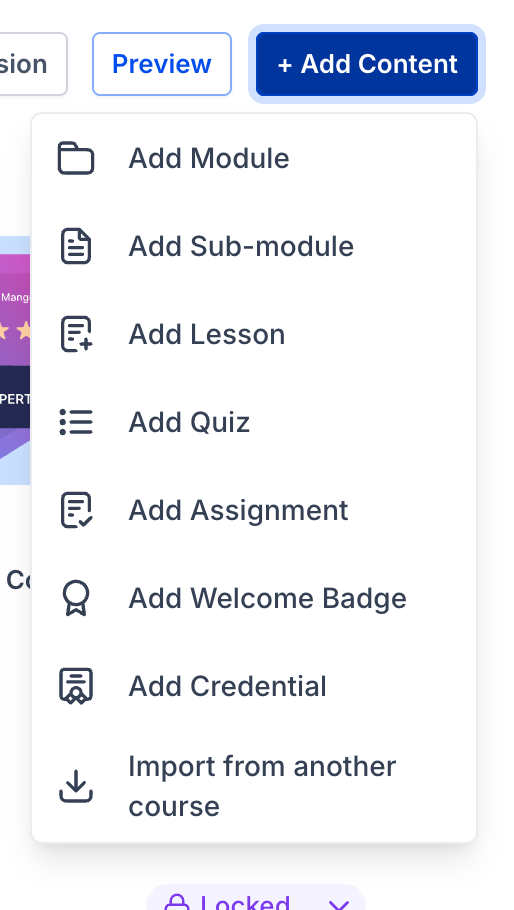
Import from Another Course option available in the Add Content dropdown
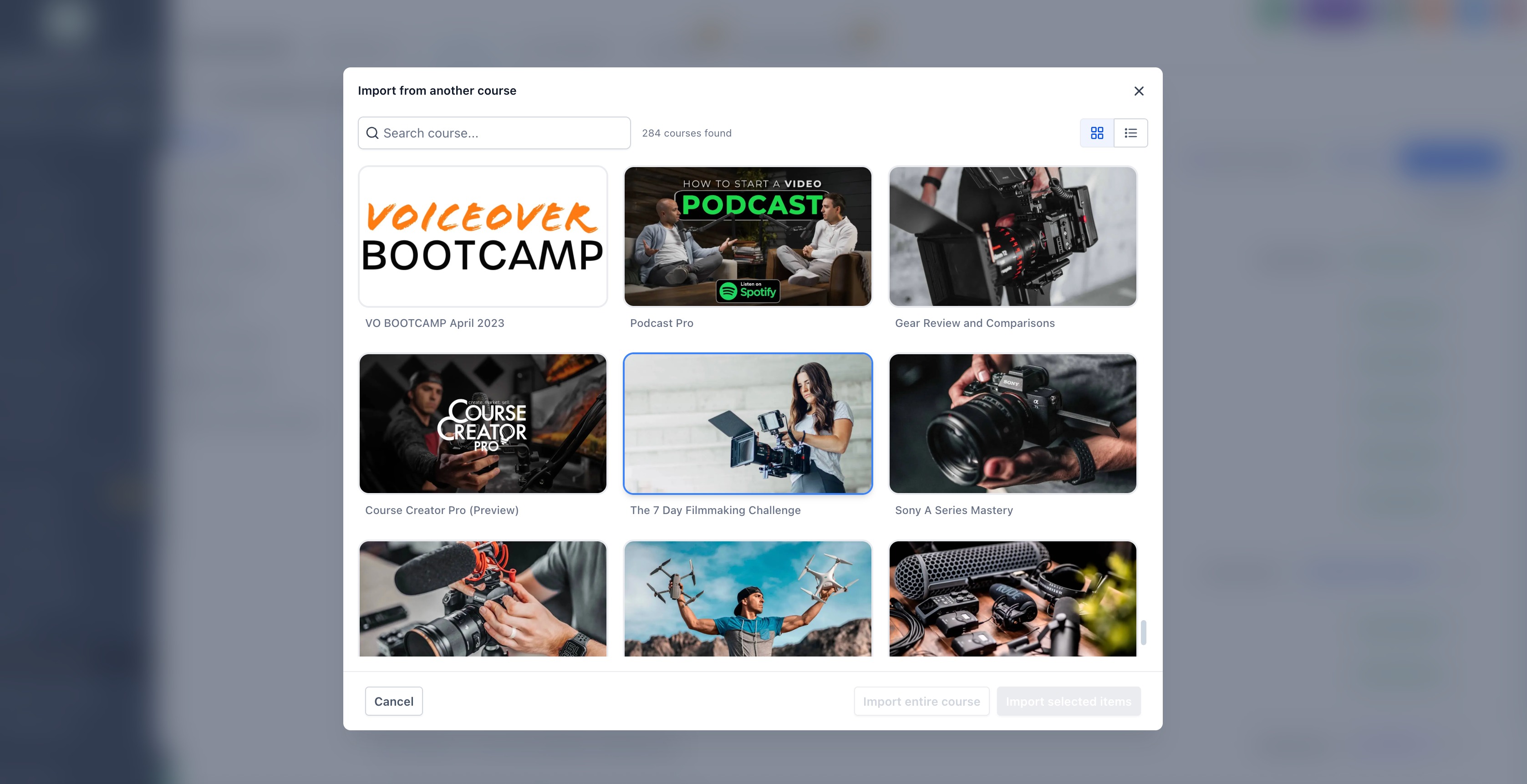
- Browse and select a source course via a dedicated import modal
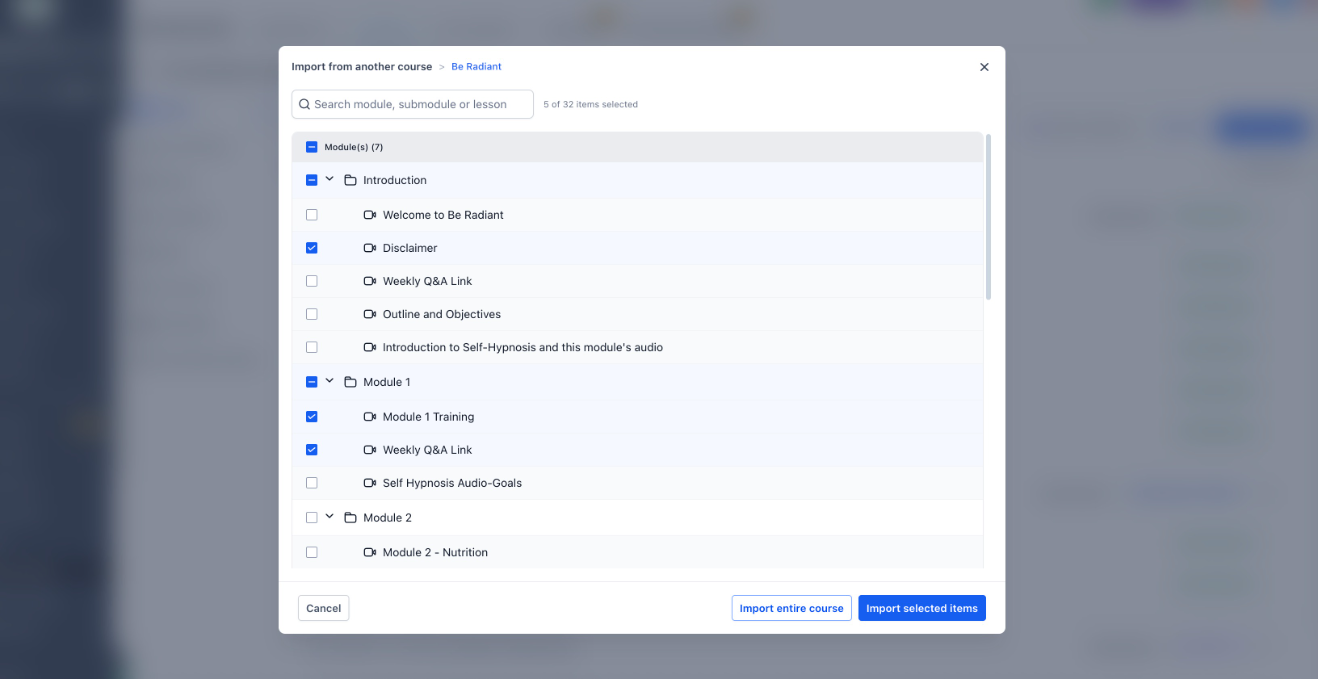
- Choose exactly what to import:
- Individual lessons
- Modules and submodules
- Entire course structure
- Progress/status modal to track imports in real time
- Fast import experience with minimal disruption to your workflow
What Gets Imported
- Lesson titles and structure
- Module and submodule hierarchy
- Videos and attached media
- Lesson and media thumbnails
- Descriptions and formatted content
- Quiz questions and associated lesson content
- Assignment materials and supporting resources
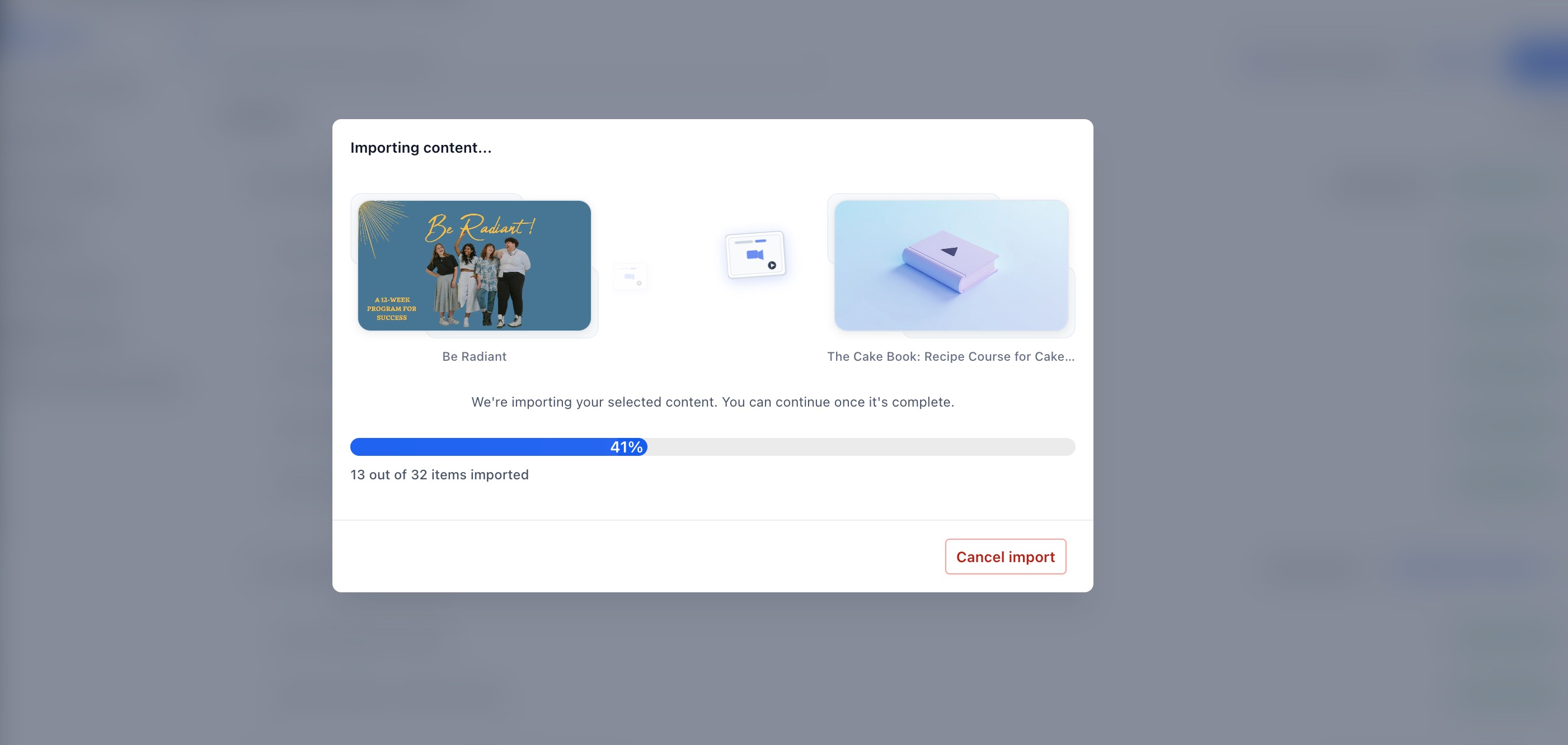
All imported items are added to the destination course and are ready for immediate editing.
Why It Matters
Faster course creation
by reusing existing contentConsistency across courses
for standardized curriculumReduced manual effort
when building similar coursesFlexible imports
—bring in anything from a single lesson to a complete course structureWas this article helpful?
That’s Great!
Thank you for your feedback
Sorry! We couldn't be helpful
Thank you for your feedback
Feedback sent
We appreciate your effort and will try to fix the article